

Guide to KsTU Email Password Reset
HOW TO RESET YOUR KSTU EMAIL PASSWORD WHEN YOU FORGET IT
- Open a browser (e.g chrome, safari …) and type vclass.kstu.edu.gh
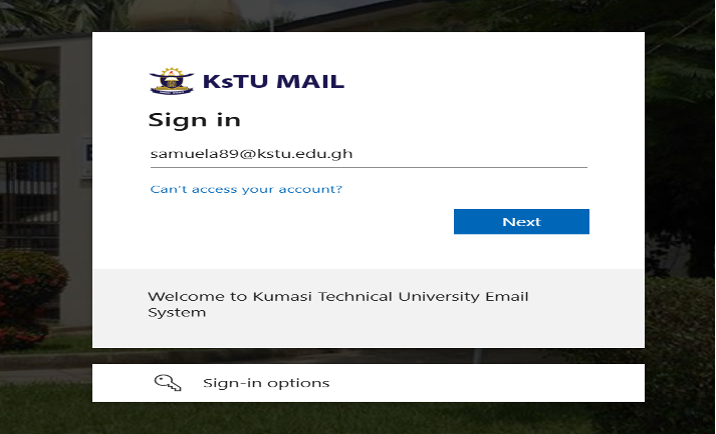
Enter your KSTU email and click next.
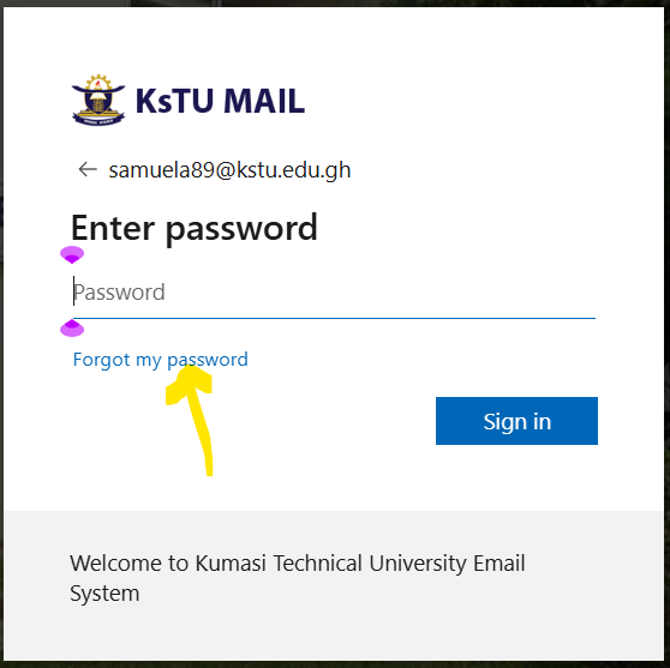
- Click the forgot my password
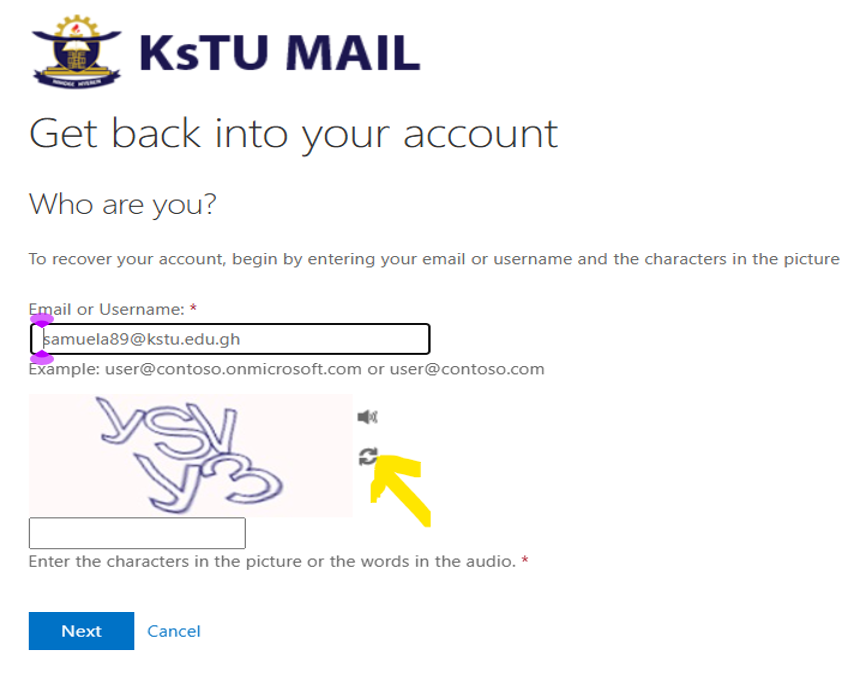
4. Enter the characters and click next. If you are not clear reload to get easier one.
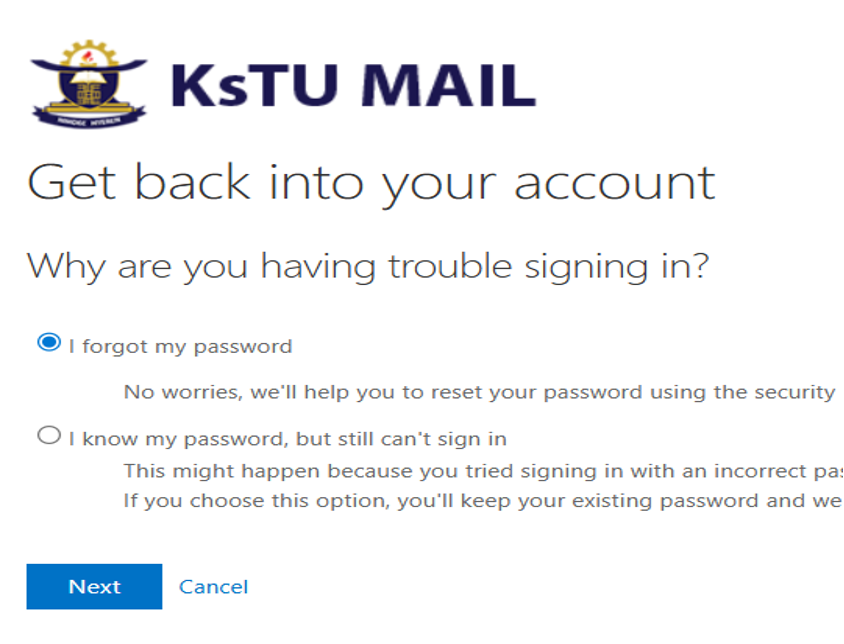
- If it accepts click next.
- Enter your phone number, the one partially shown and click text
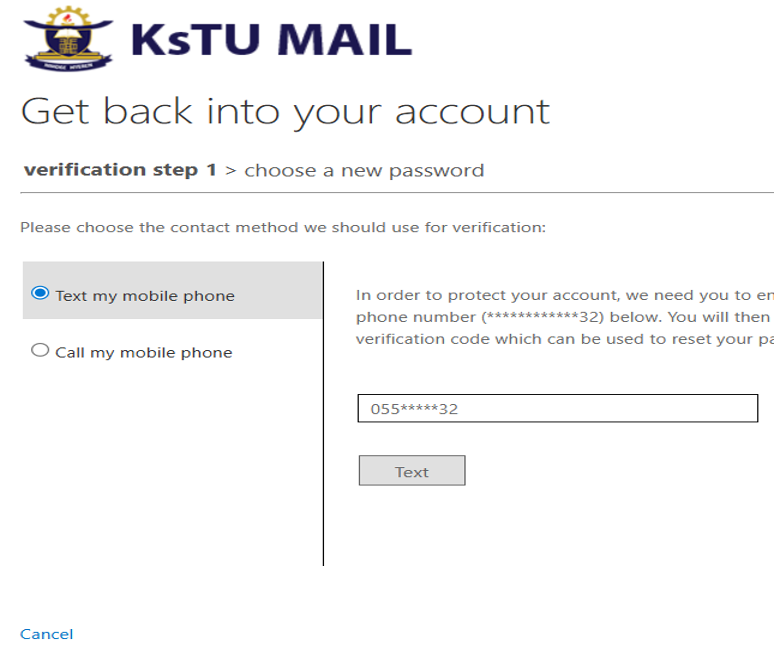
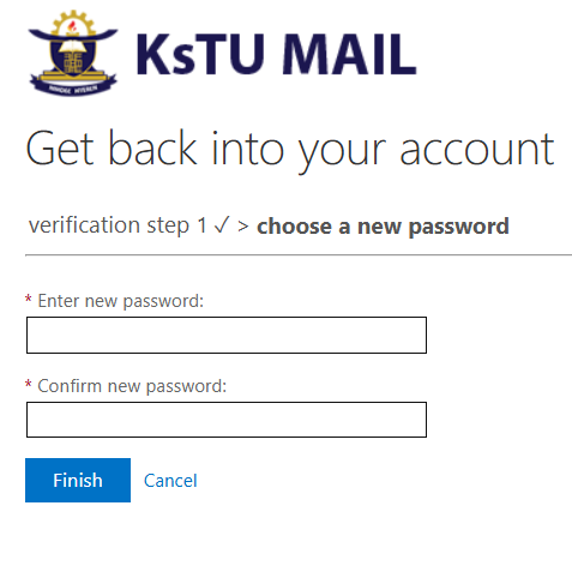
Type the SMS code received and click next, then you are asked to set new password, make sure to follow the password requirements used during the first login steps.
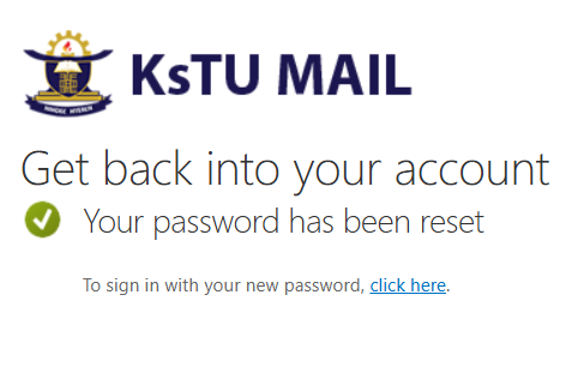
- You can now use this new password for your vclass and WIFI access.
About KsTU
Kumasi Technical University was established in 1954 as Kumasi Technical Institute (K. T. I. ) to offer craft courses. In 1963, the Institute was converted to a non-tertiary Polytechnic status under the Ghana Education Service to start offering, in addition, technician diploma and sub- professional courses.
Contact info
Location: Kumasi - Ashanti Region, Ghana, W/A
Postal Address: P. O. Box 854, Kumasi
Email: info@kstu.edu.gh
Tel: Admissions: +233(0)322 496 534, +233(0)322 496 380